
Best ATS for Small Business in 2026: Top Solutions for Growing Teams
Recruit
Applicant Tracking System
15 min read
Key Highlights
The best ATS for small businesses combines affordability, automation, scalability, and ease of use to support growing teams.
Comparing pricing, features, integrations, and free trials helps you choose the right ATS for your hiring needs.
Essential ATS features include candidate management systems, workflow automation, reporting, integrations, and collaborative hiring tools.
Choosing an ATS that fits your current hiring process, and future growth prevents costly software changes later.
Mercury 360 offers AI-powered hiring, recruitment automation, and transparent pricing for startups and small businesses.
Introduction
When you're running a small business, hiring is rarely someone's full-time responsibility.
It is often the founder reviewing resumes between meetings, the office manager managing candidates in a spreadsheet, or a team lead handling interviews alongside their regular work.
Even with everyone's best efforts, qualified candidates still slip through the cracks.
Not because the team isn't trying, but because managing the hiring process manually while handling other responsibilities is difficult.
That's exactly where an Applicant Tracking System (ATS) helps. Instead of relying on spreadsheets and emails, it brings applications into one place, automates routine tasks, and keeps the hiring process organized.
The result is faster, more efficient hiring without adding extra work to an already busy team.
How We Select 7 Best ATS for Small Businesses
To put this list together, we did not just compare feature checklists. We evaluated each platform based on what matters to small businesses, startups, and growing teams.
Here are the criteria we used:
Affordability and Pricing Transparency: We looked for platforms with clear pricing and plans that provide good value for small businesses.
Ease of Use: We evaluated how quickly teams can learn and use the platform without extensive training.
Automation and Hiring Features: We assessed features that automate repetitive tasks and simplify the recruitment process.
Scalability: We considered whether the platform can support increasing hiring needs as the business grows.
Integrations: We reviewed how well each ATS connects with HR systems, communication tools, job boards, and other business applications.
Candidate Experience: We evaluated how easy the application, communication, and interview process is for candidates.
User Reviews and Ratings: We considered verified customer reviews and ratings from trusted platforms such as G2 and Capterra to understand real-world user experiences and overall satisfaction.
Brief Comparison Table for 7 Best ATS for SMBs
ATS Platform | Best For | Starting Price | Free Trial / Demo | Integrations | Average User Rating |
Small businesses, startups, and growing teams | From $150/month | Free trial/demo available | HR software, job boards, email platforms, business applications | Not publicly rated yet | |
Fast-growing companies and high-volume hiring | From $299/month | Free trial available | LinkedIn, Indeed, Slack, Gmail, Outlook | 4.5/5 | |
Small teams looking for simplicity | Free plan; paid from $157/month | Free plan available | Slack, Zoom, Google Workspace, Microsoft 365 | 4.4 /5 | |
Businesses already using Zoho products | From $25/user/month | Free trial available | Zoho ecosystem, Google Workspace, Microsoft 365 | 4.5/5 | |
Budget-conscious businesses and startups | From $110/month | Free trial available | Job boards, HR tools, calendar applications | 4.4/5 | |
Small businesses, startups, and growing companies | From $15/user/month | Free trial available | LinkedIn, Google Workspace, Microsoft 365, job boards, API | 4.7/5 | |
Growing businesses building long-term talent pipelines | Contact sales | Demo available | LinkedIn, Slack, HR systems, productivity tools | 4.4/5 |
Note: Pricing, free trial availability, and integrations may vary based on the plan, number of users, and business requirements. Also, the user ratings shown in this article are based on averages of publicly available reviews from trusted software review platforms such as G2 and Capterra.
Top 7 Applicant Tracking Systems for Growing Teams
1. Mercury 360
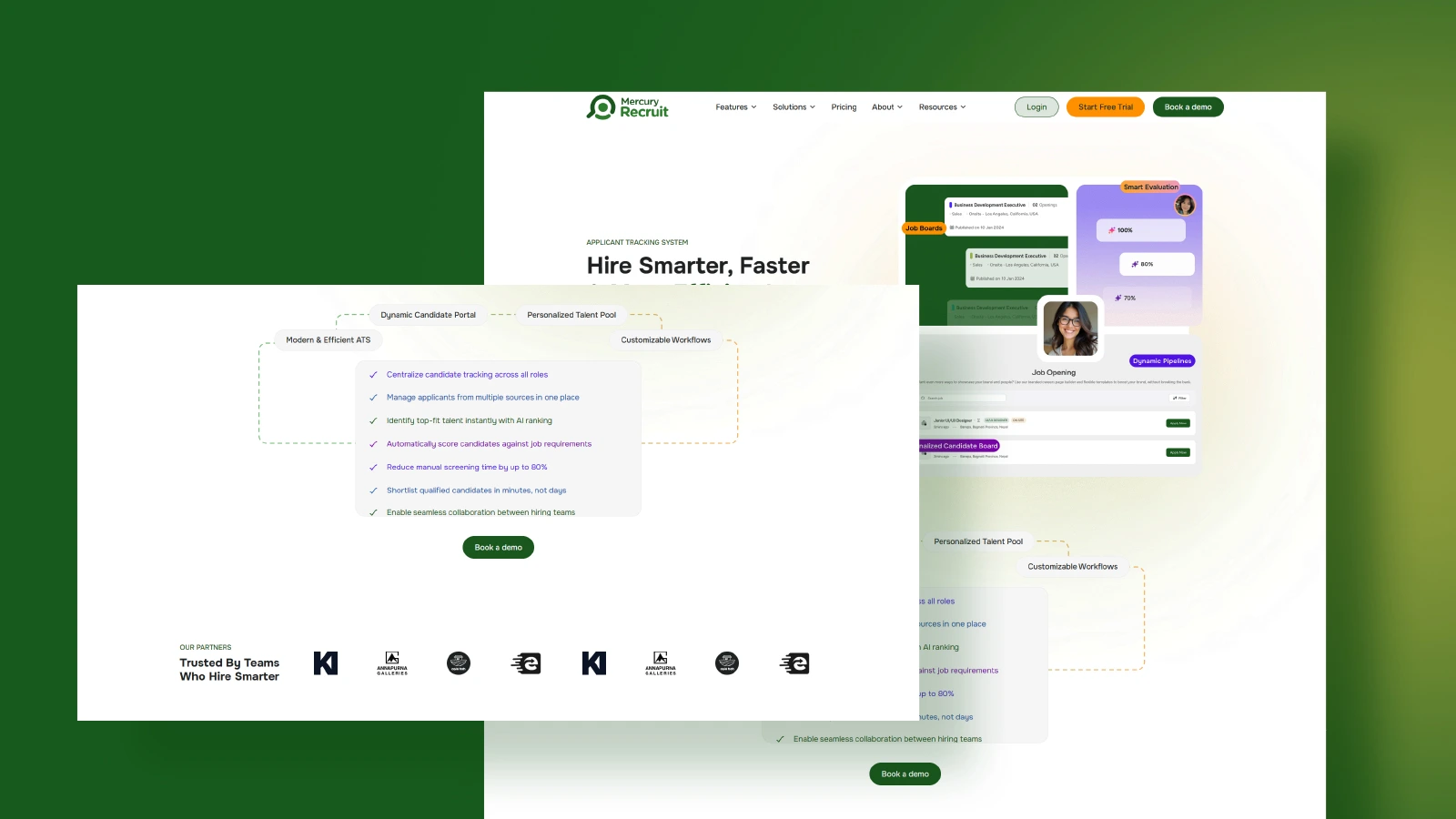
Mercury 360 is one of the best ATS for small and medium-sized businesses looking for a scalable, feature-rich, and budget-friendly hiring solution.
Designed with growing teams in mind, Mercury provides a practical solution that grows with your business while keeping the hiring process simple and structured.
For growing businesses that need more than basic applicant tracking, Mercury 360 delivers a complete recruitment solution.
Key Features
AI-powered candidate screening and matching
Centralized candidate management
Automated email communication and templates
Built-in skills assessments
Talent pool management for future hiring
Role-based permissions for collaborative hiring
Recruitment analytics and reporting
Transparent, scalable plan and pricing
Integrations with job boards and HR tools
Pros and Cons
Pros | Cons |
|
|
Build a Recruitment Workflow That Actually Works
Bring jobs, candidates, interviews and team feedback together in one clear workspace.
Explore Mercury Recruit2. Workable
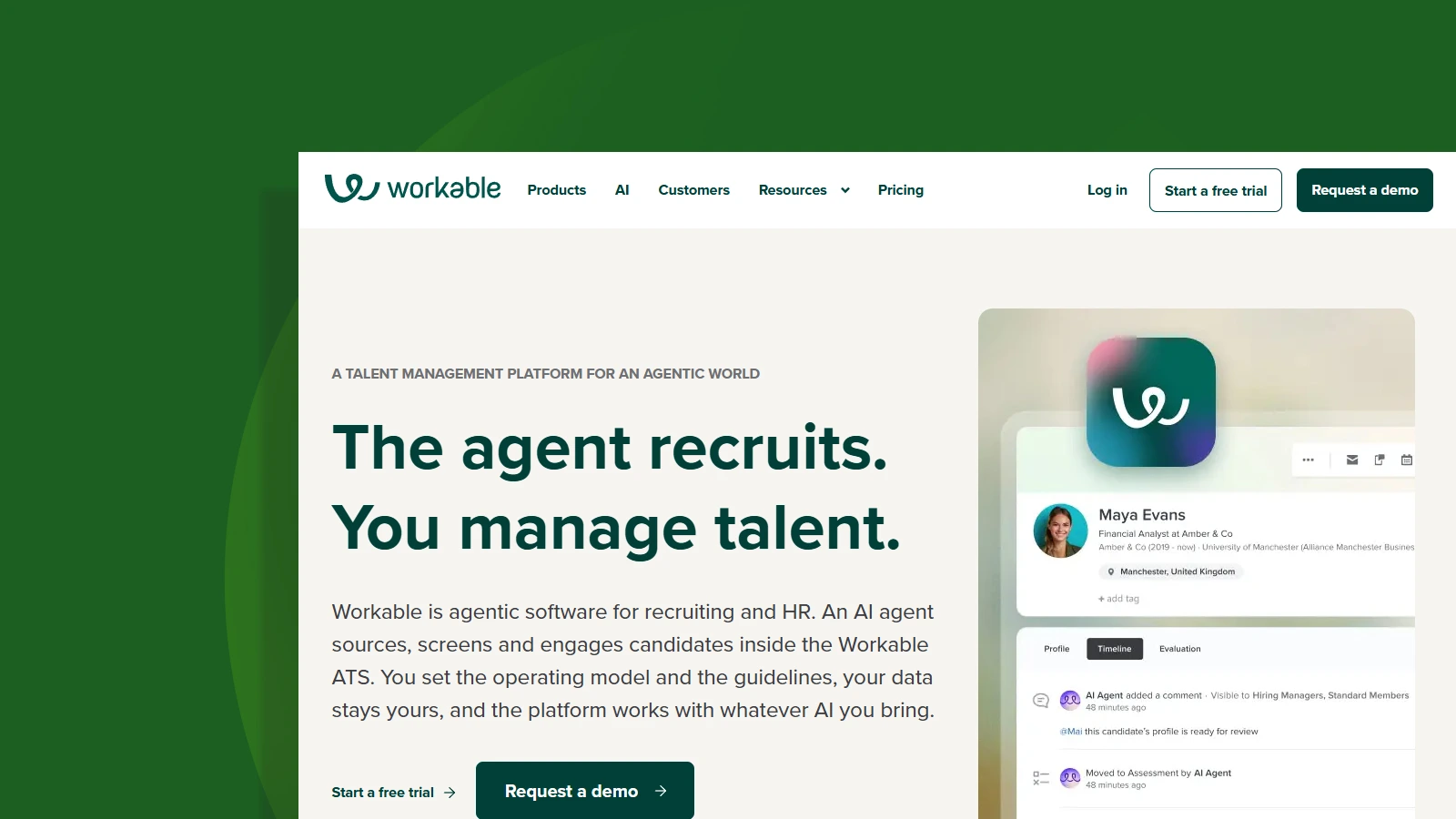
Workable is one of the popular ATS that helps businesses attract, manage, and hire candidates efficiently.
It is particularly useful for companies that are experiencing rapid growth and need to fill multiple positions quickly.
However, as hiring needs increase, costs can become higher than some alternatives designed specifically for SMBs.
Key Features
Multi-job board posting
Candidate sourcing tools
Interview scheduling
Team collaboration and feedback
Recruitment reporting and analytics
Mobile recruiting capabilities
Pros and Cons
Pros | Cons |
|
|
3. Breezy HR
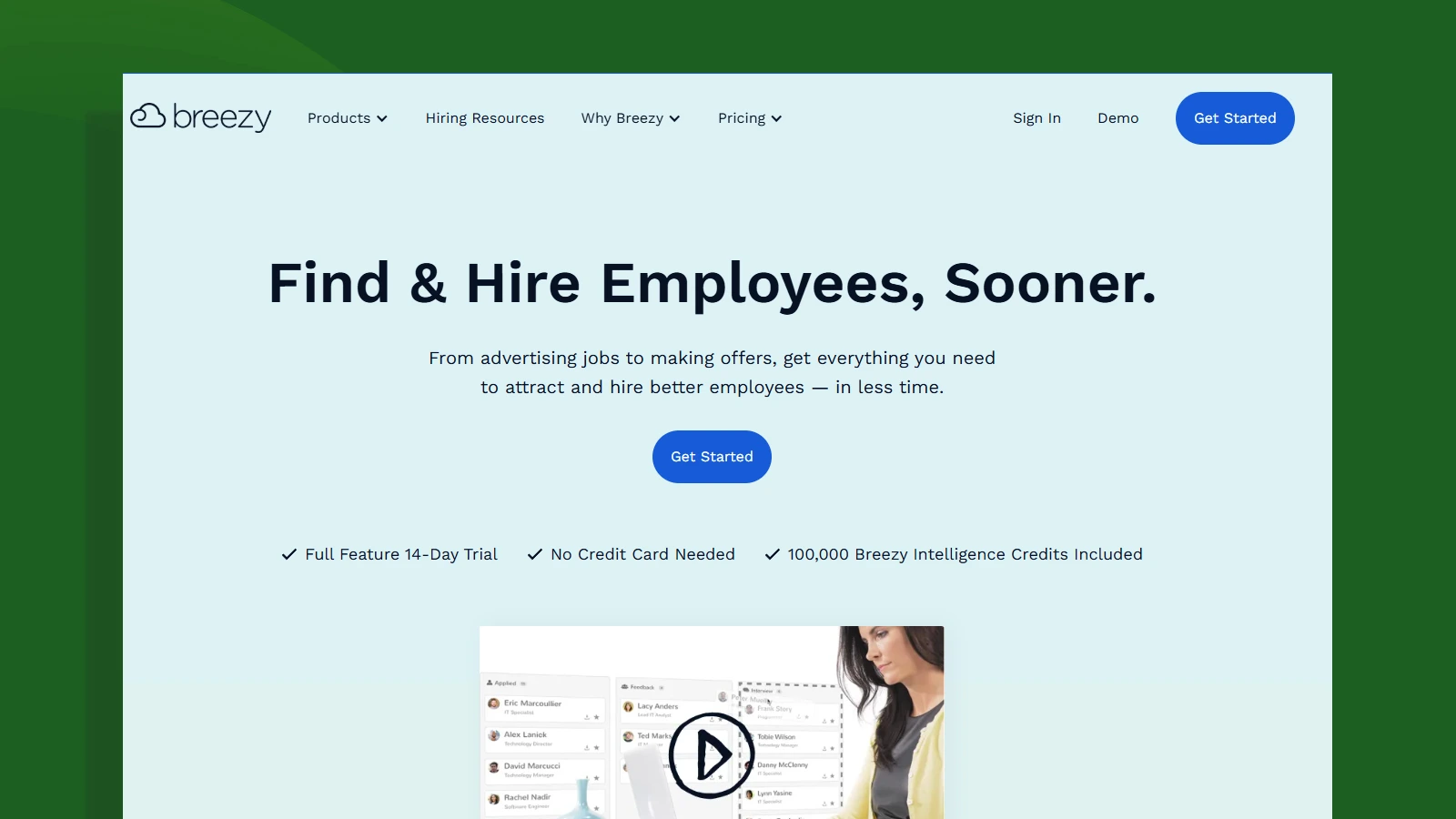
Breezy HR is a popular ATS for small businesses, known for its simple interface and visual hiring pipelines.
Its intuitive design and drag-and-drop workflows have made it a popular choice among small businesses looking for an easy-to-use ATS.
For businesses that are hiring regularly but don't need extensive enterprise-level functionality, Breezy HR provides a practical and easy-to-use solution.
Key features
Drag-and-drop hiring pipeline
Automated candidate communication
Interview scheduling
Candidate scorecards
Collaborative hiring tools
Career site creation
Pros and Cons
Pros | Cons |
|
|
4. Zoho Recruit
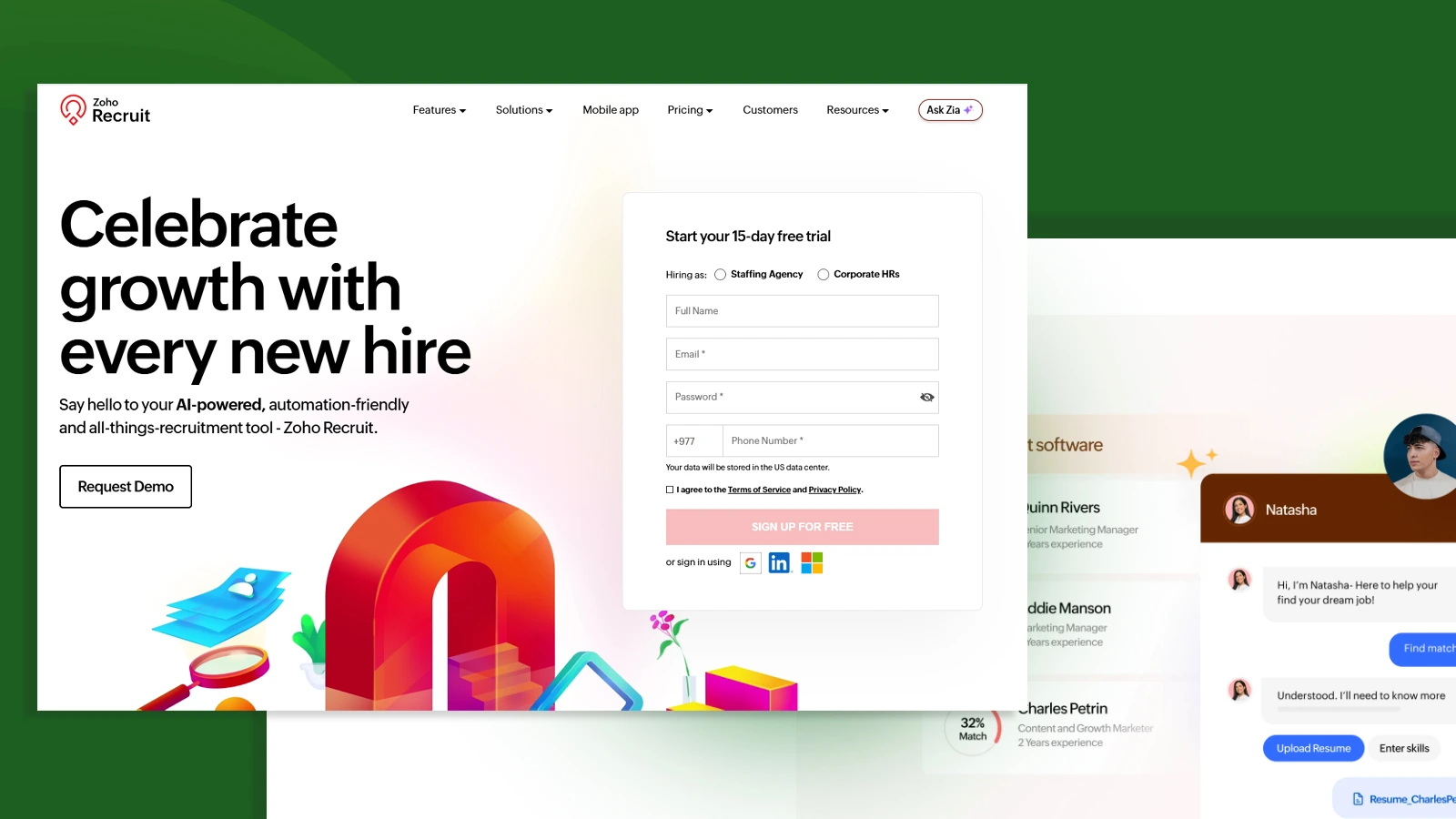
For businesses already using the Zoho ecosystem, Zoho Recruit offers a cost-effective HR solution that streamlines recruitment alongside other business operations.
Its biggest strength is seamless integration with the Zoho ecosystem, allowing businesses to connect recruitment with CRM, HR, email, and other business applications from a single platform.
While this platform is highly flexible, businesses unfamiliar with the Zoho ecosystem may face a learning curve during setup.
Key Features
Resume parsing
Workflow automation
Custom hiring workflows
Zoho ecosystem integrations
Recruitment analytics
Candidate database management
Pros and Cons
Pros | Cons |
|
|
If you're running a recruitment or staffing agency instead of hiring internally, explore our guide to the best applicant tracking systems for staffing agencies.
5. JazzHR
JazzHR is often considered one of the most affordable recruiting software available for small businesses.
It focuses on delivering the essential hiring features small businesses need without the complexity or cost of enterprise recruiting software.
For organizations seeking a cost-effective ATS that covers essential recruitment needs, JazzHR remains a popular option.
Key Features
Job posting management
Candidate tracking
Interview scheduling
Workflow automation
Team collaboration tools
Customizable hiring pipelines
Pros and Cons
Pros | Cons |
|
|
6. Manatal
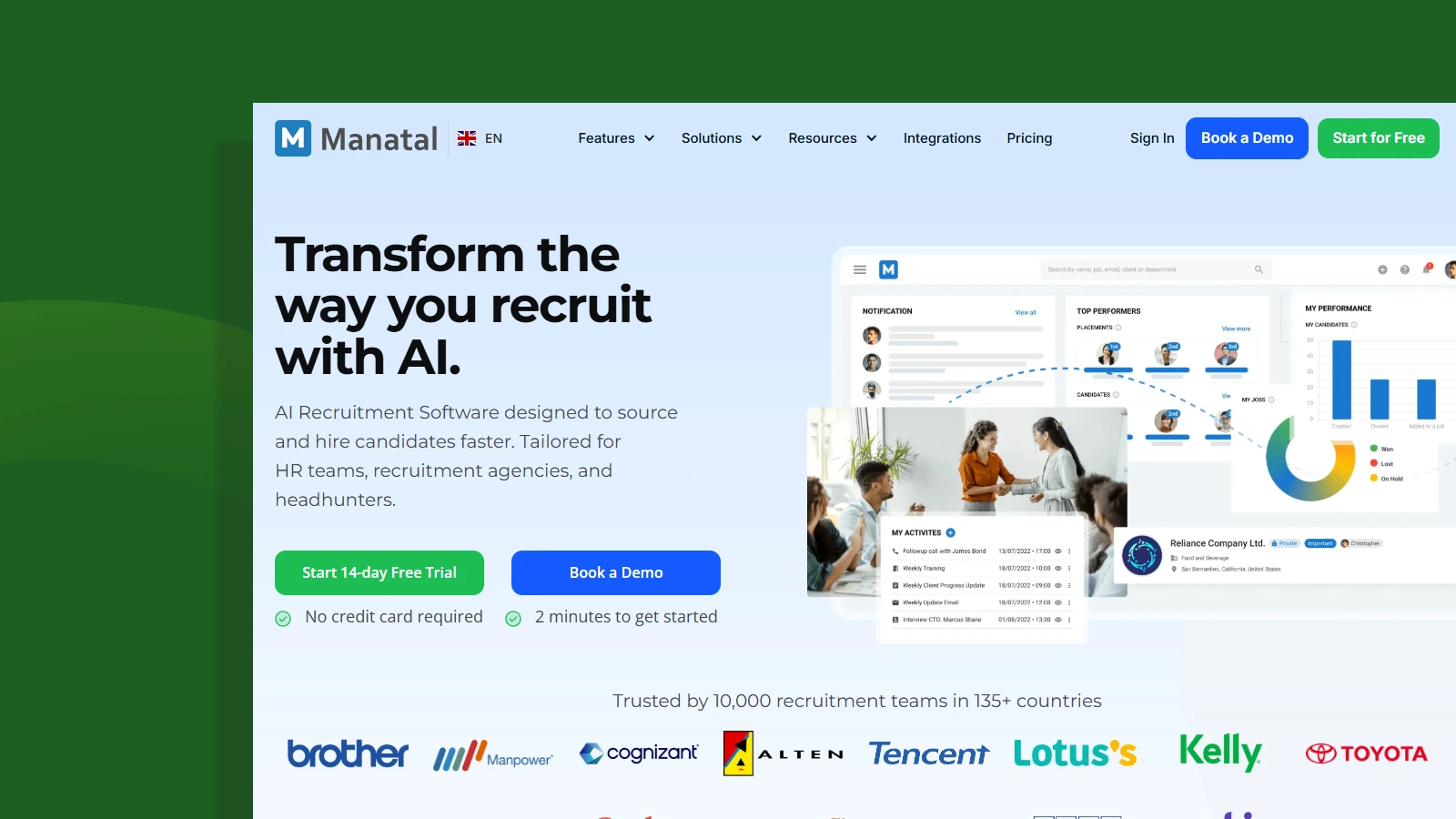
Manatal is an AI-powered applicant tracking system designed for startups, small businesses, and growing companies.
It combines recruitment automation with intelligent candidate recommendations, helping teams hire faster while keeping the hiring process simple.
For organizations looking for an affordable ATS with built-in AI features and easy-to-use recruitment tools, Manatal is a strong choice.
Key Features
AI-powered candidate recommendations
Resume parsing
Candidate sourcing
Interview scheduling
Recruitment CRM
Talent pipeline management
Workflow automation
Recruitment analytics
Pros and Cons
Pros | Cons |
|
|
7. Lever
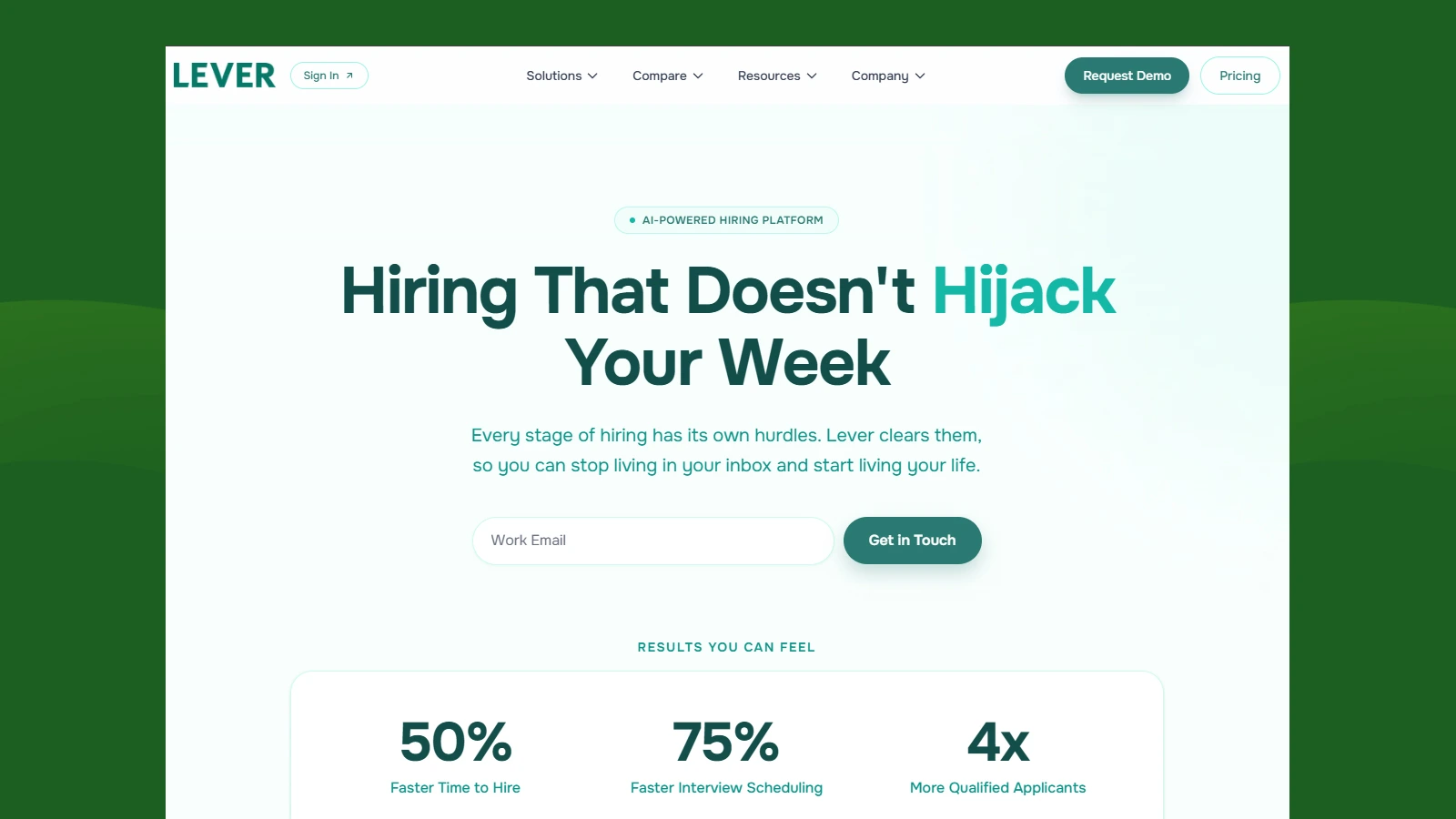
Lever combines applicant tracking with talent relationship management capabilities.
For organizations focused on long-term talent acquisition rather than just filling immediate vacancies, it offers a valuable combination of ATS and talent relationship management tools.
Its collaborative hiring approach and candidate relationship features make it well-suited for businesses that want to build and nurture talent pipelines over time.
Key Features
Candidate relationship management (CRM)
Talent pipeline management
Automated workflows
Interview scheduling
Recruitment analytics
Team collaboration tools
Pros and Cons
Pros | Cons |
|
|
Does Your Business Need ATS?
If your hiring process is becoming difficult to manage, it's time to invest in an ATS.
Many small businesses start by managing recruitment through spreadsheets, emails, and manual processes.
While this may work initially, it often becomes inefficient as application volumes increase and hiring needs grow.
You may need an ATS if:
You're receiving too many applications to review manually.
Candidate information is scattered across emails and spreadsheets.
Hiring managers struggle to stay updated on recruitment progress.
Interview scheduling takes too much time.
Candidates experience slow communication or delayed responses.
You're hiring for multiple positions at the same time.
Your business is planning to grow and hire more employees.
An ATS helps bring structure, visibility, and consistency to the hiring process, making it easier for your team to attract, evaluate, and hire the right candidates.
What Features Should a Small Business Look for in an ATS?
The best ATS for a small business should help you streamline hiring, stay organized, and support future growth without adding unnecessary complexity.
Candidate management and resume screening: Look for an ATS that stores candidate information in one place and helps you quickly identify qualified applicants through resume parsing and screening tools.
Automation and communication tools: Features such as automated emails, interview scheduling, and candidate status updates save time and reduce manual work throughout the hiring process.
Collaborative hiring and talent pools: Choose a platform that allows recruiters and hiring managers to share feedback easily while maintaining a talent pool of qualified candidates for future openings.
Reporting, analytics, and insights: Hiring data helps you understand what's working and where improvements are needed. An ATS should provide reports on key recruitment metrics and hiring performance.
Integrations and scalability: The right ATS should integrate with your existing tools and be flexible enough to support your business as hiring needs grow over time.
By focusing on these core features, you can choose an ATS that improves hiring efficiency today while supporting your business in the future.
How to Choose the Best ATS for Your Small Business
The best ATS for a small business doesn’t have to be the most expensive or feature-rich platform.
It's the one that helps you hire efficiently while fitting your budget and growth plans.
To evaluate each solution, you should consider the following factors:
Understand your hiring needs: Think about how often you hire and how many positions you typically need to fill. A business hiring occasionally may need different features than a company recruiting regularly.
Set a realistic budget: Look beyond the monthly subscription cost and consider the value the platform provides through automation, time savings, and improved hiring efficiency.
Consider future growth: Choose an ATS that grows with your business. The right platform should support your hiring needs today while remaining effective as your team expands.
Check integrations: Your ATS should work seamlessly with the tools you already use, such as job boards, email platforms, HR software, and productivity applications.
Request a demo or free trial: Whenever possible, test the platform before committing. A demo or free trial allows you to evaluate usability, features, and overall fit for your recruitment process.
By focusing on these factors, you can choose an ATS that supports your current hiring goals while preparing your business for future growth.
To know more about the selection process of best ATS for any business, we have created a detailed blog on "How to Choose an Applicant Tracking System".
Common Mistakes Small Businesses Should Avoid When Choosing an ATS
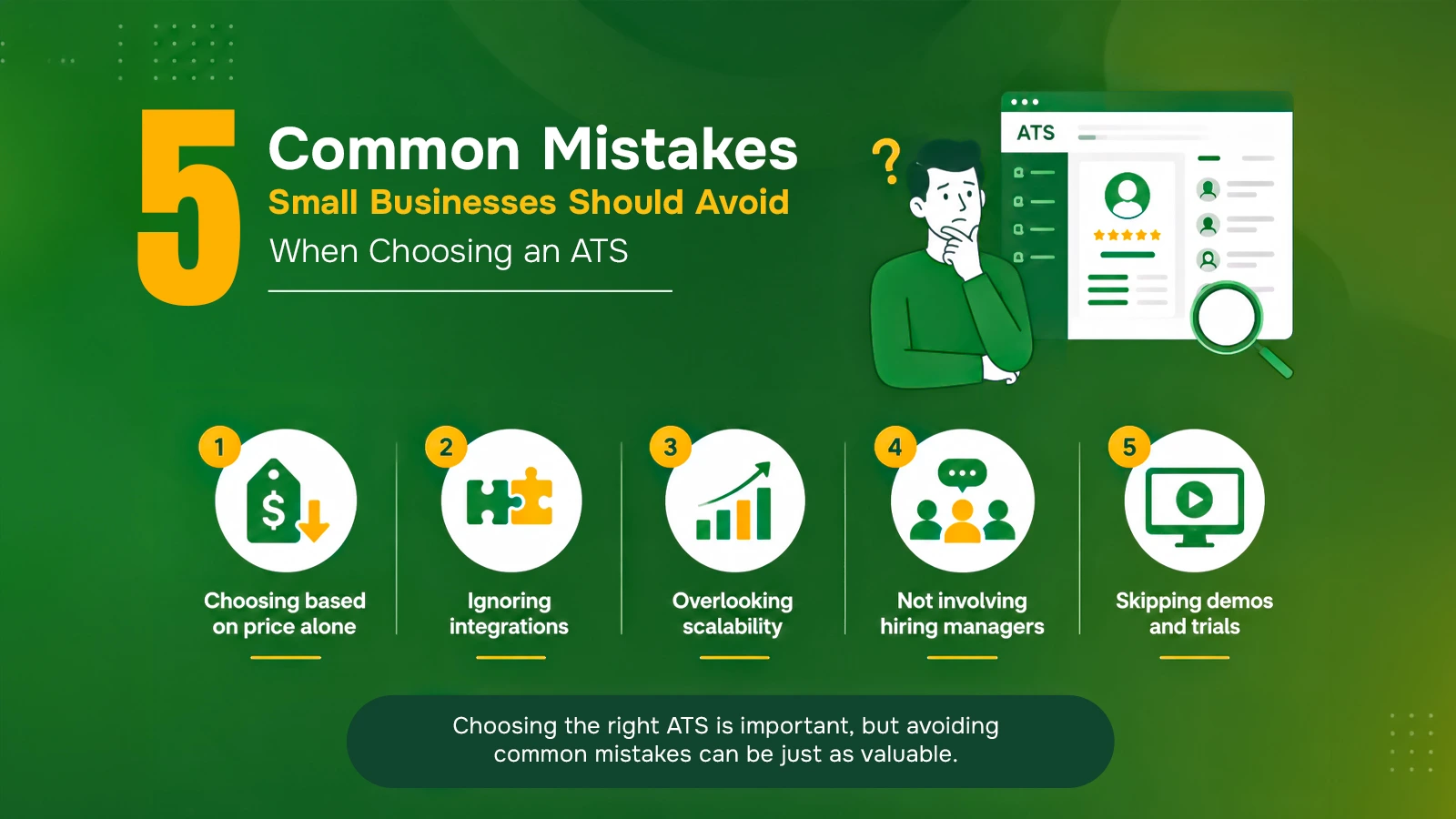
Choosing the right ATS is important, but avoiding common mistakes can be just as valuable.
Choosing based on price alone: A low-cost ATS may save money initially, but it creates limitations as your hiring needs grow.
Ignoring integrations: An ATS should connect with the tools you already use to keep hiring workflows efficient.
Overlooking scalability: Choose a platform that supports your business as hiring volumes increase over time.
Not involving hiring managers: Include hiring managers in the selection process to ensure the system works for everyone involved in recruitment.
Skipping demos and trials: Testing the platform before purchasing helps you evaluate usability, features, and overall fit for your business.
Why Mercury 360 is the Best Fit for a Small and Medium-Sized Businesses
Choosing an ATS isn't just about finding the platform with the most features.
It's about finding a solution that fits the way your business hires today and can continue supporting you as your team grows.
Many ATS are designed primarily for large enterprises, often making them expensive, complex, or difficult to implement for smaller organizations.
Mercury 360 takes a different approach by focusing on the needs of startups, small businesses, and growing teams.
Built for Businesses That Are Growing: As hiring needs increase, businesses need more structure without adding unnecessary complexity. Mercury helps teams create a consistent recruitment process that remains manageable as hiring volumes grow.
Easy to Adopt and Use: Small businesses often don't have dedicated recruitment operations teams or extensive training resources. Mercury is designed to be intuitive, helping recruiters, hiring managers, and business owners get started quickly.
Supports Better Hiring Decisions: Hiring mistakes can be costly for growing businesses. Mercury helps teams stay organized, maintain visibility throughout the recruitment process, and make more informed hiring decisions.
Delivers Long-Term Value: Rather than constantly switching systems as your business evolves, Mercury provides a foundation that supports recruitment at different stages of growth, making it a practical long-term investment.
Designed With SMBs: From growing startups to established small and medium-sized businesses, Mercury addresses the challenges smaller teams face every day: limited time, limited resources, and the need to hire efficiently.
If you're looking for an ATS that balances simplicity, scalability, and long-term value, Mercury 360 is a strong choice for businesses that want to build a more effective hiring process without unnecessary complexity.
Ready to simplify your hiring process?
explore Mercury 360's features and see how it can support your recruitment goals.
Book A ConsultationConclusion
The best ATS for your small business depends on how you hire and where you plan to grow.
Each platform covered in this guide offers something different, but the goal is to help your team hire faster, stay organized, and make better decisions without the chaos of spreadsheets and scattered emails.
The right ATS saves you time, makes sure no candidate gets missed, and brings structure to your hiring process.
Start by focusing on your current needs, then choose a platform that grows with you. With the right system in place, you’ll stay ahead of many small businesses still hiring the hard way.
FAQs
Frequently Asked Questions
The top ATS platforms include Mercury 360 (Best choice), Workable, Greenhouse, Lever, and Zoho Recruit.