
10 Best Candidate Screening Tools for Recruiters in 2026
Recruit
Candidate Screening
19 min read
Key Highlights
Candidate screening tools evaluate qualifications, skills, communication, and job readiness before live interviews.
The strongest platform depends on your roles, hiring volume, workflow, and screening bottleneck.
TestGorilla and Vervoe support broad skills-based assessment across multiple job categories.
HackerRank and Codility provide deeper technical evaluation for engineering and software roles.
ATS integration, explainable scoring, candidate experience, and human review matter more than feature count.
Introduction
There are many candidate screening tools available, but not every platform will suit your roles, hiring volume, budget, or recruitment process.
Choosing the right one matters because the best tool help you evaluate applicants more accurately, reduce manual screening work, and improve the candidate experience.
While the wrong one can add unnecessary steps, frustrate candidates, and make recruitment harder to manage.
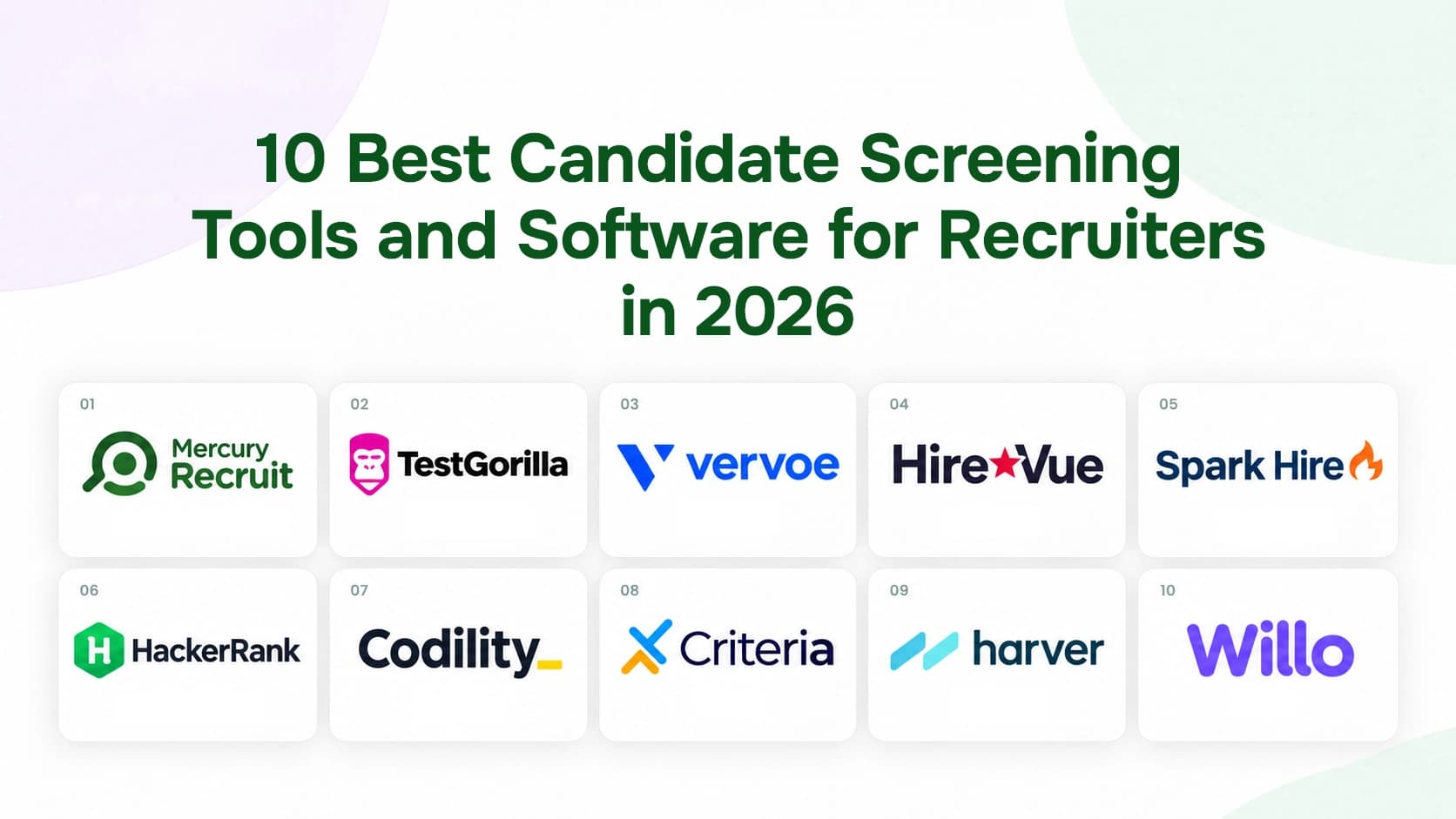
To help you compare the available options, this guide reviews 10 of the best candidate screening tools for recruiters in 2026.
You can compare their key features, pricing, screening methods, strengths, limitations, and ideal use cases before deciding which platform best fits your hiring process.
What Are Candidate Screening Tools?
Candidate screening tools are software platforms that help you evaluate applicants before deciding who moves to an interview.
Their adoption has accelerated in recent years. As per the SHRM report, 51% of organizations used AI in recruiting in 2025, compared with 26% in 2024.
These tools should support recruiter judgments rather than make the final decision. You still need to review the evidence, check context, correct errors, and decide who moves forward.
Some common screening function include:
Coding tests
Personality and behavioral assessments
One-way video interviews
Candidate scorecards
Background and identity checks
ATS workflow automation
“Most AI in hiring today is making a bad system worse: more applications, less signal, and less transparency.” -Daniel Chait, CEO and Co-Founder of Greenhouse.
Candidate Screening Tools at a Glance
The table below compares each candidate screening tool by its best use case, screening method, free options, starting price, and user rating.
Tool | Best For | Main Screening Method | Free Option | Pricing | Review |
ATS-based screening | AI screening, assessments, and hiring pipelines | Free trial available; demo available | $150/month | New to Market | |
Broad skills testing | Skills, cognitive, and role-specific tests | Free plan available; no credit card required | $135/month | 4.3/5 | |
Job simulations | AI-scored skills assessments | Demo available | Custom pricing | 4.5/5 | |
Enterprise video screening | Video interviews and assessments | No public free plan | Quote-based | 4.2/5 | |
One-way video interviews | Recorded and live video interviews | No public free plan | $335/month | 4.7/5 | |
Technical hiring | Coding tests and technical interviews | Limited free developer tools | $165/month | 4.6/5 | |
Developer assessments | Coding tests and live interviews | Enterprise demo available | $1,200/year | 4.6/5 | |
Cognitive and behavioral testing | Aptitude, personality, and skills tests | No public free plan | Custom pricing | 4.6/5 | |
High-volume hiring | Assessments and workflow automation | No public free plan | Custom enterprise pricing | 4.7/5 | |
Asynchronous screening | One-way video and audio interviews | Demo available | $279/month | 4.5/5 |
Reviews are based on publicly available ratings from G2 and Capterra. Pricing may vary by different factors. Therefore, always verify the latest ratings, pricing, and free-access terms before choosing one.
How We Selected These Candidate Screening Tools
We selected these tools by comparing their overall screening effectiveness, usability, reliability, cost, and suitability for different hiring processes.
Screening and assessment capabilities: We reviewed the screening methods each platform supports, including resume review, skills testing, coding assessments, video interviews, and AI-assisted evaluation.
Accuracy and recruiter control: We consider the relevance of results, score transparency, customization options, and whether recruiters can review or override automated recommendations.
Integrations and workflow fit: We checked how well each tool connects with ATS platforms and fits into existing candidate screening and hiring workflows.
Candidate and recruiter experience: We evaluated setup, navigation, accessibility, mobile usability, assessment clarity, and the overall experience for both hiring teams and applicants.
Pricing and scalability: We compare pricing, free access, trials, user limits, assessment volumes, and suitability for growing or high-volume hiring teams.
User feedback and use-case fit: We reviewed recurring feedback on G2 and Capterra and identified the hiring scenarios each platform serves best.
What to Look for When Choosing a Candidate Screening Tool
The best candidate screening tool should align with how your team hires. Before comparing features, focus on these seven areas:
Screening method: The platform should evaluate the skills or qualifications that matter for the role.
Job relevance: Assessments and questions should reflect real work rather than generic personality labels.
Score explainability: Recruiters should understand why candidates received their results.
Human controls: Your team should be able to review, override, and correct recommendations.
ATS integration: Results should move into your current hiring workflow without manual copying.
Candidate experience: Assessments should remain clear, accessible, mobile-friendly, and proportionate to the role.
Compliance controls: The vendor should document privacy, fairness, retention, and audit processes.
We cannot let these tools become a high-tech pathway to discrimination.”, Charlotte A. Burrows, Former Chair, U.S. Equal Employment Opportunity Commission
Job-Relevant Assessments, Built Into Your ATS
Create role-based assessments and standardized scorecards in Mercury Recruit, so results land in the pipeline your team already uses. No separate integration needed.
Explore AssessmentsThe 10 Best Candidate Screening Tools for Recruiters
The options below cover different screening needs, so you can choose the tool that best matches your hiring process, role requirements, team size, and recruitment volume.
1. Mercury Recruit
Mercury Recruit is an AI-powered applicant tracking system that combines candidate screening with broader recruitment management.
Rather than operating as a standalone assessment tool, it brings resume analysis, applicant ranking, candidate records, pipelines, automation, and reporting into one ATS workflow.
If you want candidate screening inside a complete ATS workflow, Mercury Recruit is the more suitable option.
Key features
AI candidate screening
Resume parsing
Candidate ranking
Custom hiring pipelines
Candidate portal
Workflow automation
Team collaboration
Recruitment reports
Audit log
Pricing
Starter Plan: $150/month or $1800/year, 3 Active job slots, and 500 monthly AI credits
Standard Plan: $209/month or $2508/year, Unlimited job Slots and 2500 Monthly AI credits
Premium Plan: $419/month or $5028/year, Unlimited job slots and 30000 monthly AI credits
If you want to explore the platform independently, [start a free trial]. If you prefer a guided walkthrough based on your hiring requirements, [book a demo].
Pros and Cons
Pros | Cons |
|
|
Our Evaluation
We evaluated Mercury Recruit as a strong option for teams that want AI-supported candidate screening, applicant tracking, pipelines, and recruitment management in one platform.
Want to create a more consistent screening process? See how customizable hiring pipelines help teams move candidates through defined stages while reducing manual tracking.
2. TestGorilla
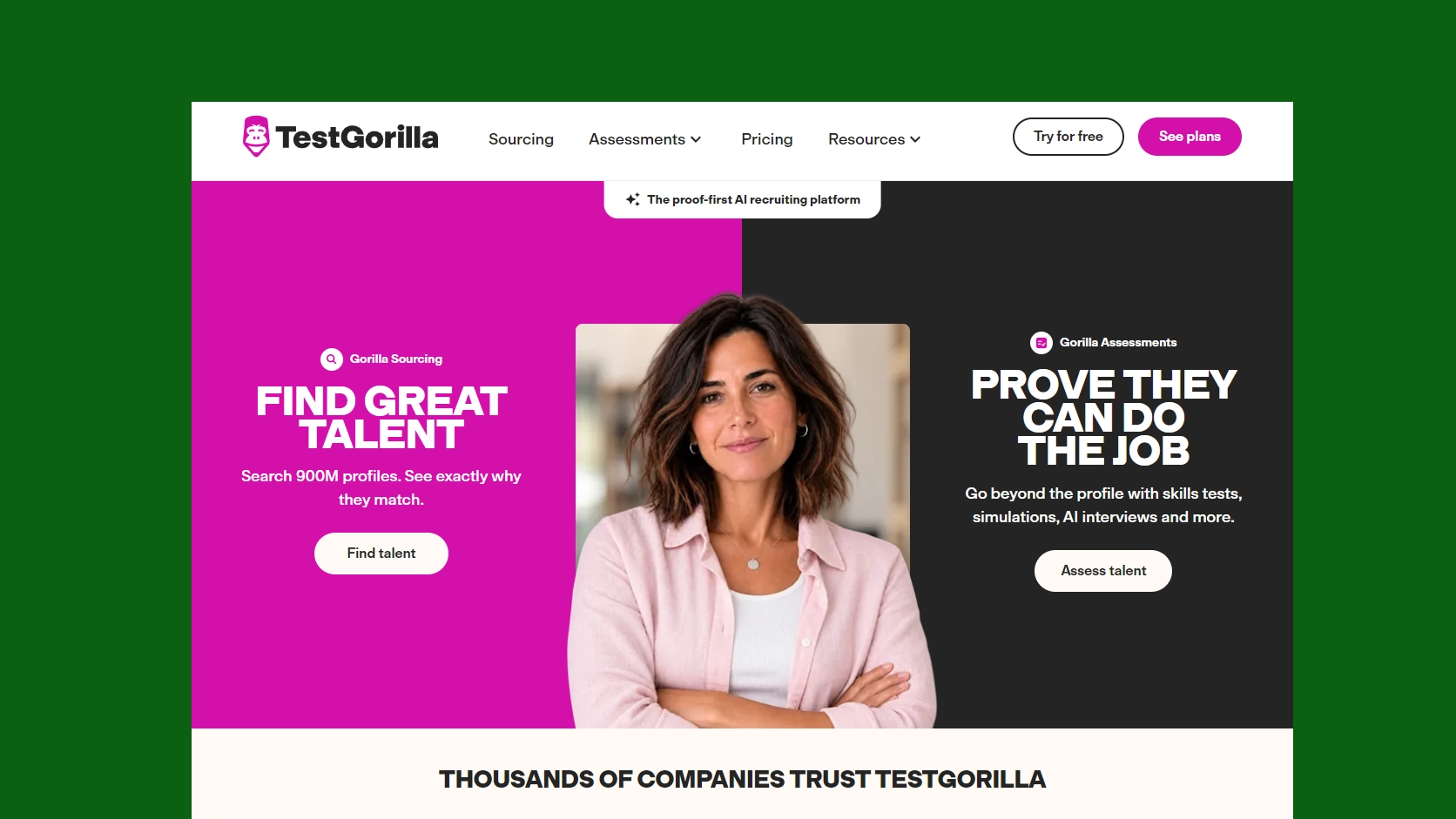
TestGorilla is a pre-employment assessment and candidate screening platform designed to evaluate applicants.
It is one of the strongest options for companies hiring across multiple department.
If you want one platform for skills, cognitive, language, and role-based assessments, TestGorilla is the strongest fit.
Key features
AI-powered candidate screening
Candidate ranking and ATS score
Multi-user collaboration
Customizable hiring pipelines
Email and template automation
Interview reminders and candidate updates
Stage progression automation
Structured evaluation scorecards
Offer approval workflows
Pricing
Free Plan: $0/month, no credit card required, 10 free credits every month, 1 full-access seat, 5 essential skills tests
Core Plan: $135/month with an annual commitment, $1,620 billed annually, 450 credits per year, access to 350+ tests
Plus Plan: Starts at $400/month with an annual commitment, starting at $4,800 billed annually
This tool also offers a free plan where you can start without entering a credit card, allowing teams to test the platform before choosing a paid plan.
Pros and Cons
Pros | Cons |
|
|
Our Evaluation
We found TestGorilla most useful for teams that need broad skills, cognitive, language, and role-specific assessments across different job categories.
“These things are actually quite appropriate for AI to handle, so that recruiters can spend more time on the human parts of the job.”, -Daniel Shapero, Chief Operating Officer, LinkedIn
3. Vervoe
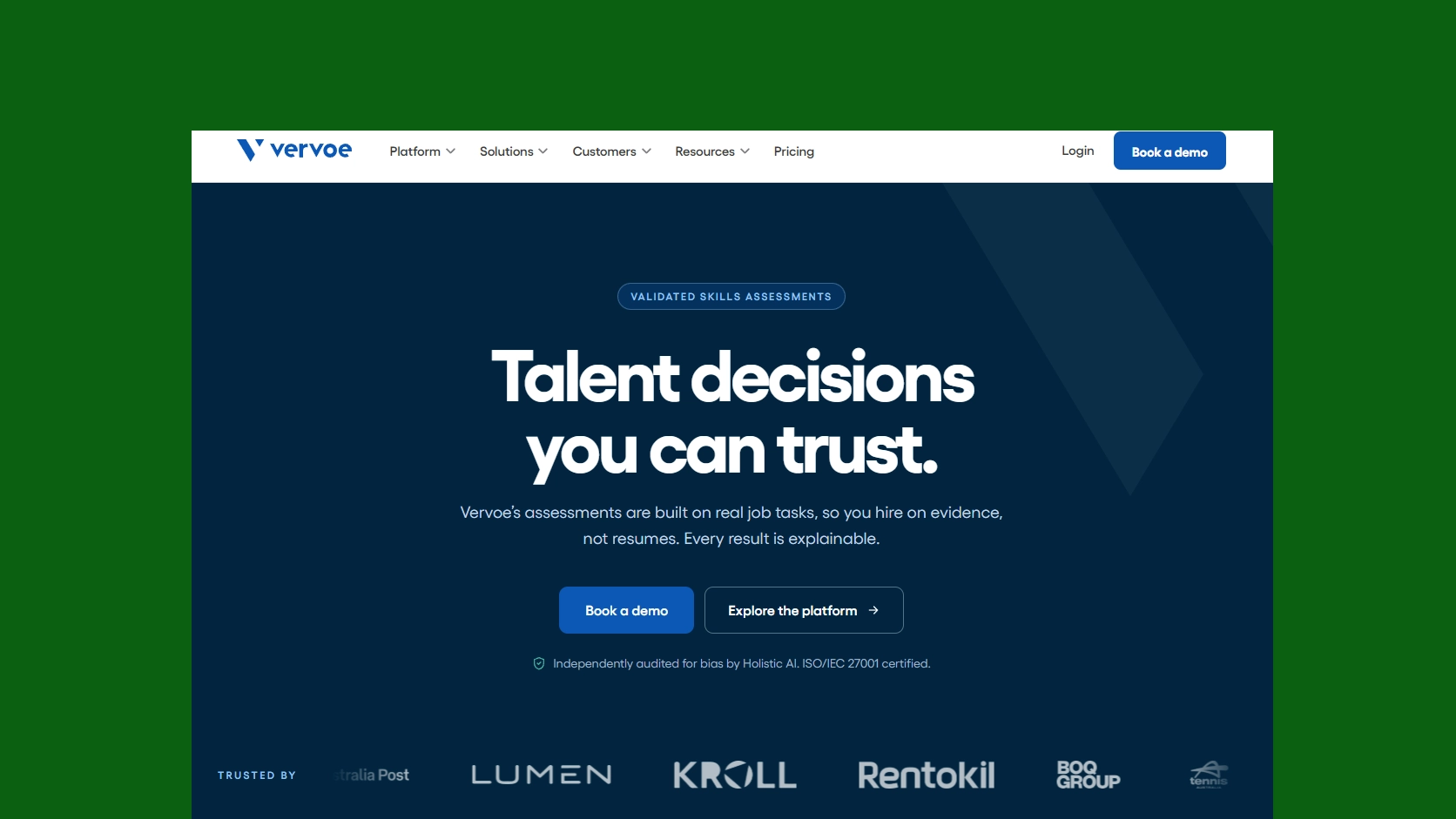
Vervoe is an intelligent hiring platform that helps recruiters screen candidates through job-related tests, work samples, and automated scoring.
It ranks candidates according to their performance on job-related tasks, helping recruiters assess practical ability beyond resume credentials.
For realistic job simulations that show how candidates perform practical tasks, Vervoe stands out.
Key features
Assessment management
Customizable branding
Multi-user collaboration
Pre-employment testing
Third-party integrations
Skill assessment & scoring
Self-service portal
Pricing
Vervoe provides custom pricing based on assessment volume, integrations, support, and enterprise requirements.
Its enterprise plan is designed for large teams and high-volume hiring programs with advanced features.
A product tour and vendor-led demo are available, but Vervoe does not list a permanent free plan on its current pricing page.
Pros and Cons
Pros | Cons |
|
|
Our Evaluation
We chose Vervoe for its practical job simulations and AI-scored assessments that help recruiters evaluate how candidates perform real work tasks.
4. HireVue
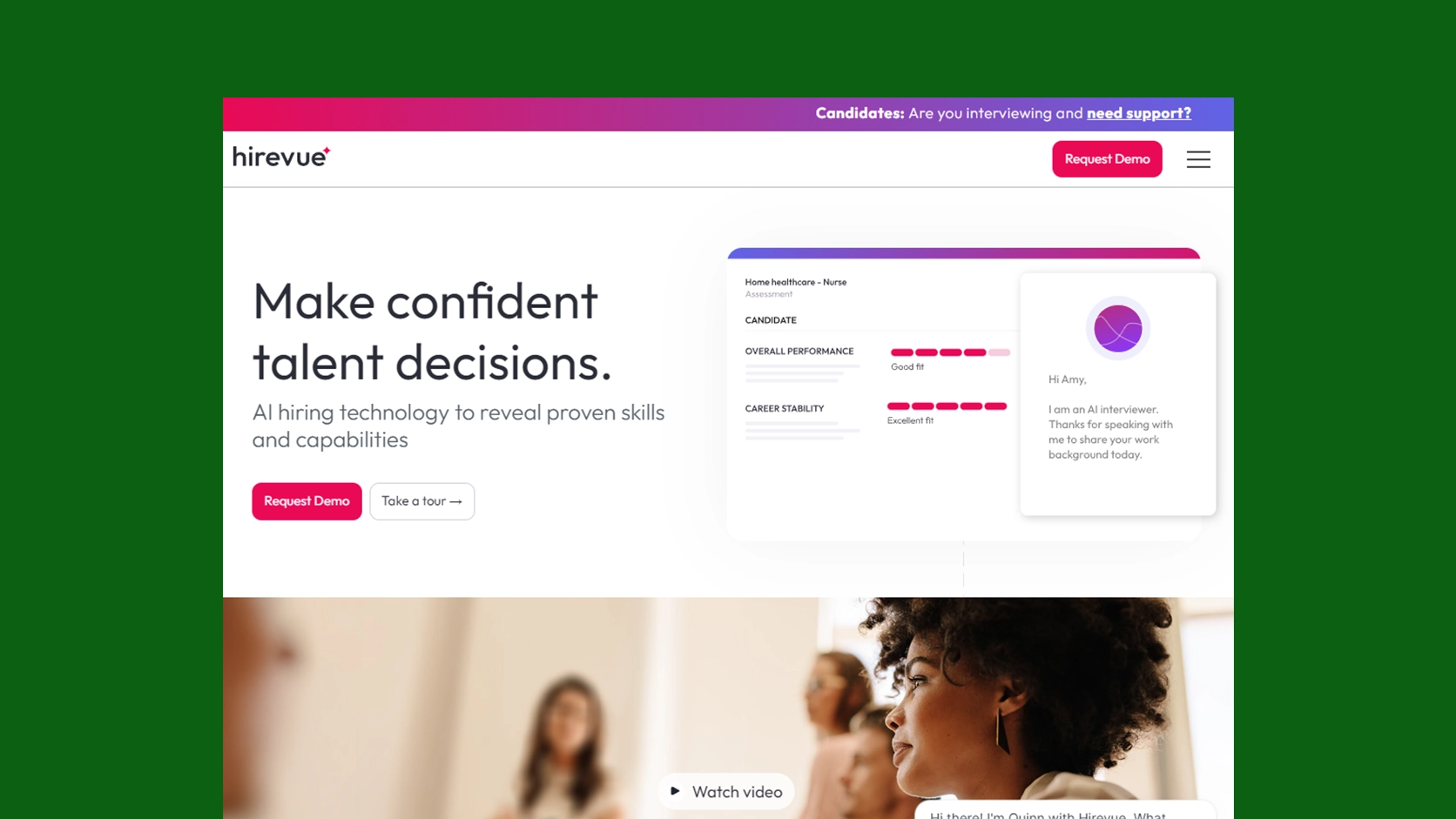
HireVue is an enterprise-grade recruitment and talent acquisition platform most famous for pioneering video interviewing and AI-driven candidate screening.
Its primary focus is standardizing early-stage interviews and validating candidate skills at scale.
HireVue works best when you need enterprise-level video screening and assessments across large, distributed hiring teams.
Key features
Multi-channel communication
Human-in-the-loop
Engagement automation
Recruitment management
Engagement automation
Calendar management
AI candidate scoring
Pricing
HireVue uses quote-based pricing based on hiring volume, selected products, integrations, and implementation requirements.
Packages range from essential interviewing tools to broader enterprise plans covering assessments, automation, engagement, and advanced hiring workflows.
A self-guided product tour and vendor-led demo are available. HireVue does not advertise a public free plan or standard free trial.
Pros and Cons
Pros | Cons |
|
|
Our Evaluation
Our evaluation shows that HireVue fits large organizations that need standardized video interviews, assessments, scheduling, and screening across distributed hiring teams
5. Spark Hire
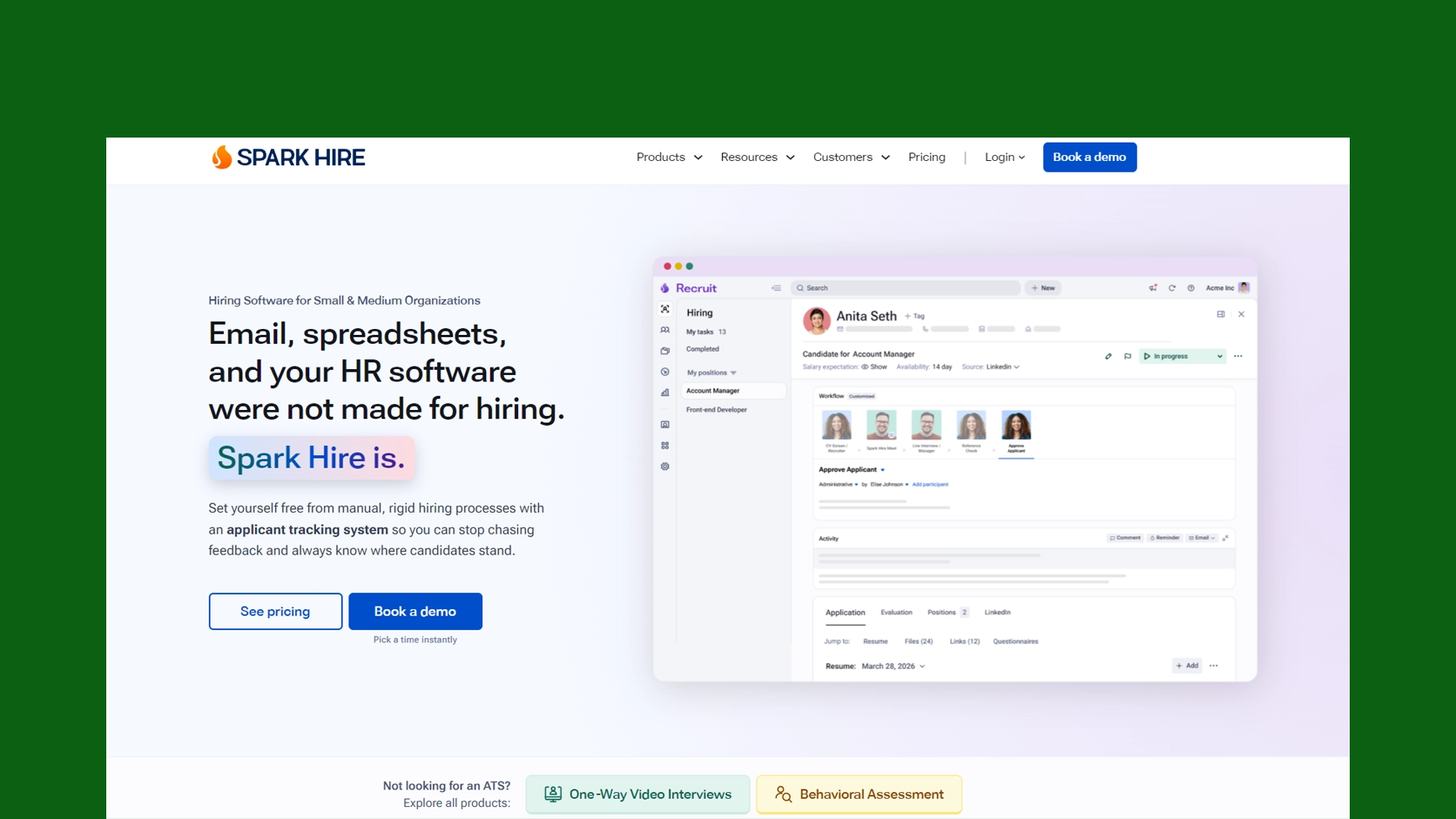
Spark Hire is a recruiting platform that combines one-way video interviews, behavioral assessments, reference checks, and applicant tracking.
Its main screening function is collecting and reviewing candidate responses without scheduling live calls.
Choose Spark Hire when your main goal is replacing repetitive first-round calls with structured one-way video interviews.
Key features
Interview practice session
Recruitment management
Skill assessment & scoring
Two-way audio and video
Third-party integration
Live video interview
Interview practice session
Customizable branding
Pricing
Recruit Pro Plan: Starts at $335/month, billed annually, with essential automation and AI features for efficient hiring
Recruit Growth Plan: Starts at $499/month, billed annually, with advanced workflows and insights for scaling hiring teams
Recruit Enterprise Plan: Custom pricing for organizations that need complex hiring workflows, enterprise security, and greater administrative control
A vendor-led demo is available. Spark Hire does not currently advertise a permanent free plan.
Pros and Cons
Pros | Cons |
|
|
Our Evaluation
We observed that Spark Hire works best for teams replacing repetitive first-round calls with structured one-way video interviews and shared candidate reviews.
6. HackerRank
HackerRank is a technical hiring platform designed to assess software developers through coding tests and live technical interviews.
The platform helps you verify programming, problem-solving, and technical skills before involving engineering managers in the interview process.
If coding ability is the key screening requirement, HackerRank is one of the best options for technical hiring.
Key features
AI copilot
Assessment management
Automatic grading
Candidate management
Certification & licensing
Customizable questions
Feedback management
Pricing
Starter Plan: $165/month, $1,990 billed annually, 1 user, access to Screen and Interview, 2,000+ questions
Pro Plan: $375/month, $4,490 billed annually, unlimited users, 4,000+ questions, 300 attempts per year, AI-assisted IDE
Enterprise Plan: Custom pricing, with custom users and attempts, certified assessments, 40+ integrations, access to 7,500+ questions
A product demo is available. HackerRank also provides free coding practice for developers, but this is separate from its employer's screening platform.
Pros and Cons
Pros | Cons |
|
|
Our Evaluation
We selected HackerRank as a strong technical screening tool for companies that need coding assessments and live interviews before involving engineering managers.
7. Codility
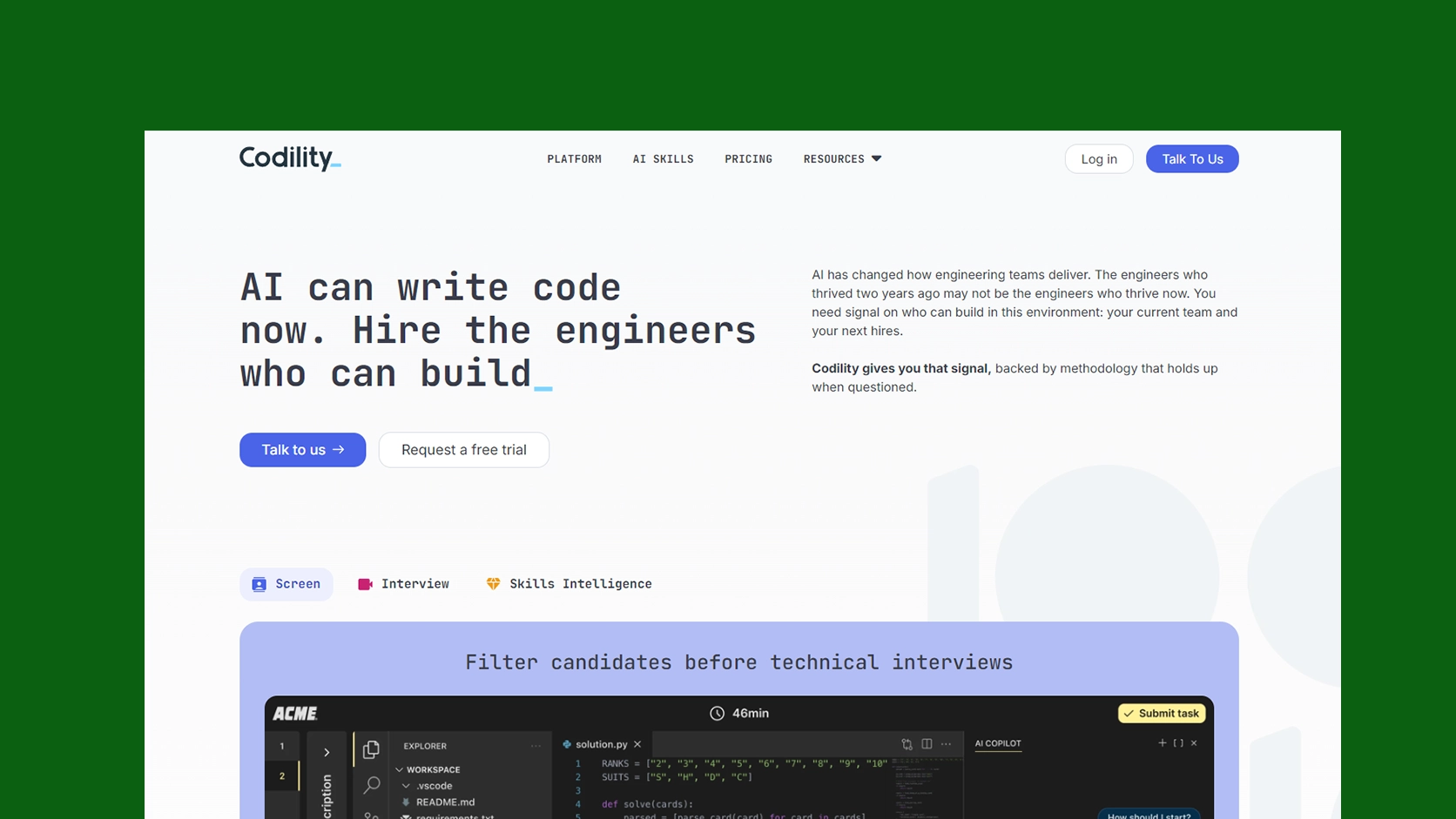
Codility is a technical assessment platform that combines automated coding tests with live engineering interviews.
You can use it to measure practical programming ability early and reserve engineering interviews for candidates who meet the required technical standard.
Codility is better suited to teams that need both automated coding tests and live technical interviews.
Key features
Activity tracking
Assessment management
Candidate comparison
Collaboration tools
Customizable Branding
Individualized Assessments
Pre-Employment Testing
Pricing
Starter Plan: $1,200/year, annual billing only, 1 platform user, up to 120 invite credits per year
Scale Plan: $6,000/year, or monthly billing, 3 platform users, up to 300 invite credits per year
Custom Plan: Custom pricing, unlimited platform users, tailored assessment volume, full access to Screen
Additionally, self-service access is available for the Starter and Scale plans, while enterprise teams can contact Codility for a customized plan.
Pros and Cons
Pros | Cons |
|
|
Our Evaluation
We found Codility better suited to technical hiring teams that want automated coding tests, candidate comparisons, and live engineering interviews in one workflow.
8. Criteria
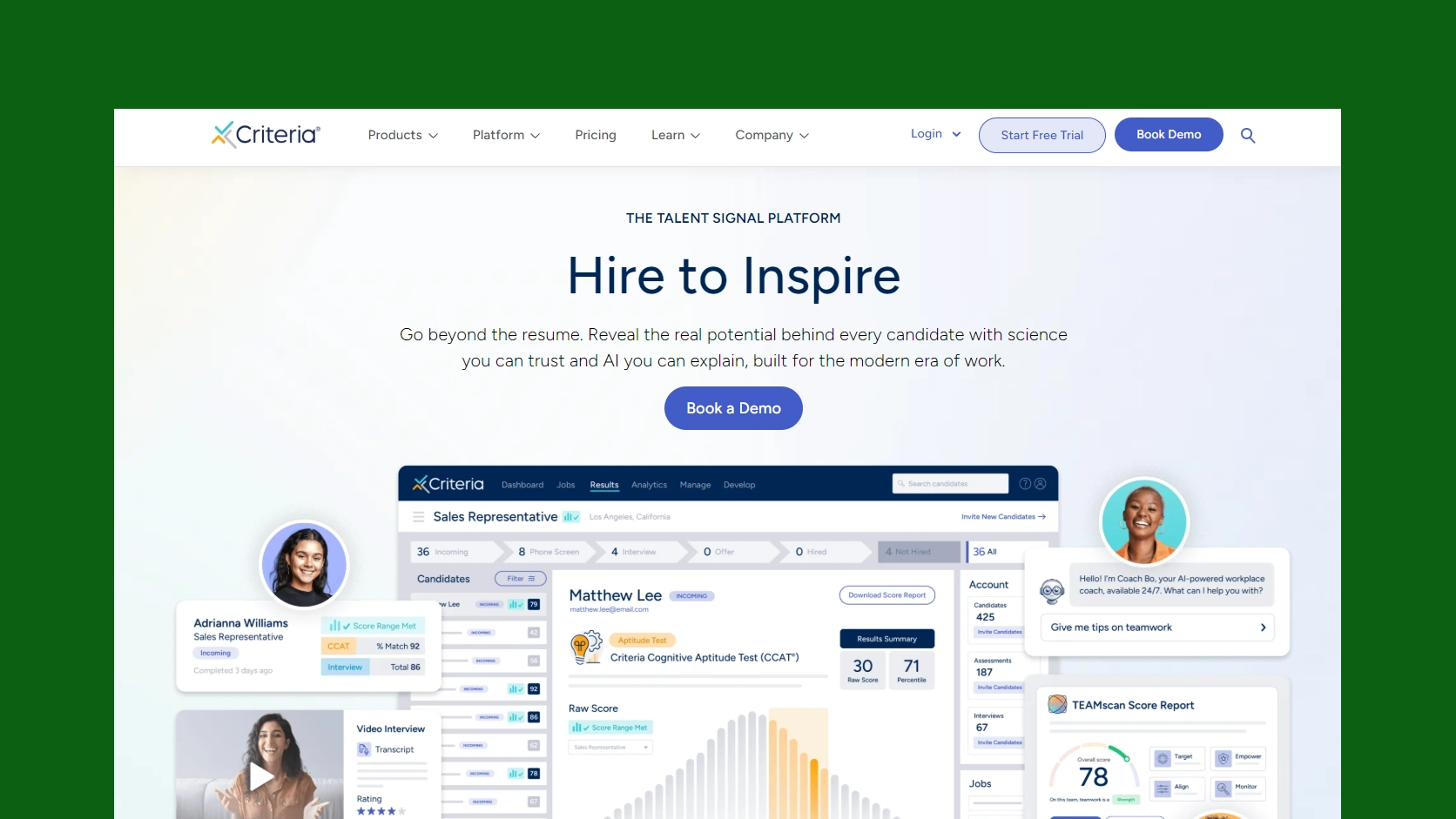
Criteria is a pre-employment assessment platform for evaluating cognitive ability, personality, behavior, and job-related skills.
It adds structured assessment data to your screening process, helping you compare candidates before moving them to interviews.
Use Criteria when you want cognitive, behavioral, personality, and job-skills assessments in one structured process.
Key features
Assessment management
Self-service portal
Collaboration tools
Customizable branding, questions and report
Employee database
Individual development plans
Interview practice session
Pricing
Criteria offers customized pricing based on company size, assessment volume, selected products, and implementation requirements.
The company does not publish a standard monthly starting price, so hiring teams need to request a quote based on their assessment needs.
Although a free trial is not available, you can request a demo.
Pros and Cons
Pros | Cons |
|
|
Our Evaluation
We identified Criteria as a practical choice for employers that need cognitive, behavioral, personality, and job-skills assessments before interviews.
Explore how recruitment workflow automation reduces repetitive updates, reminders, and stage-management tasks after screening.
9. Harver
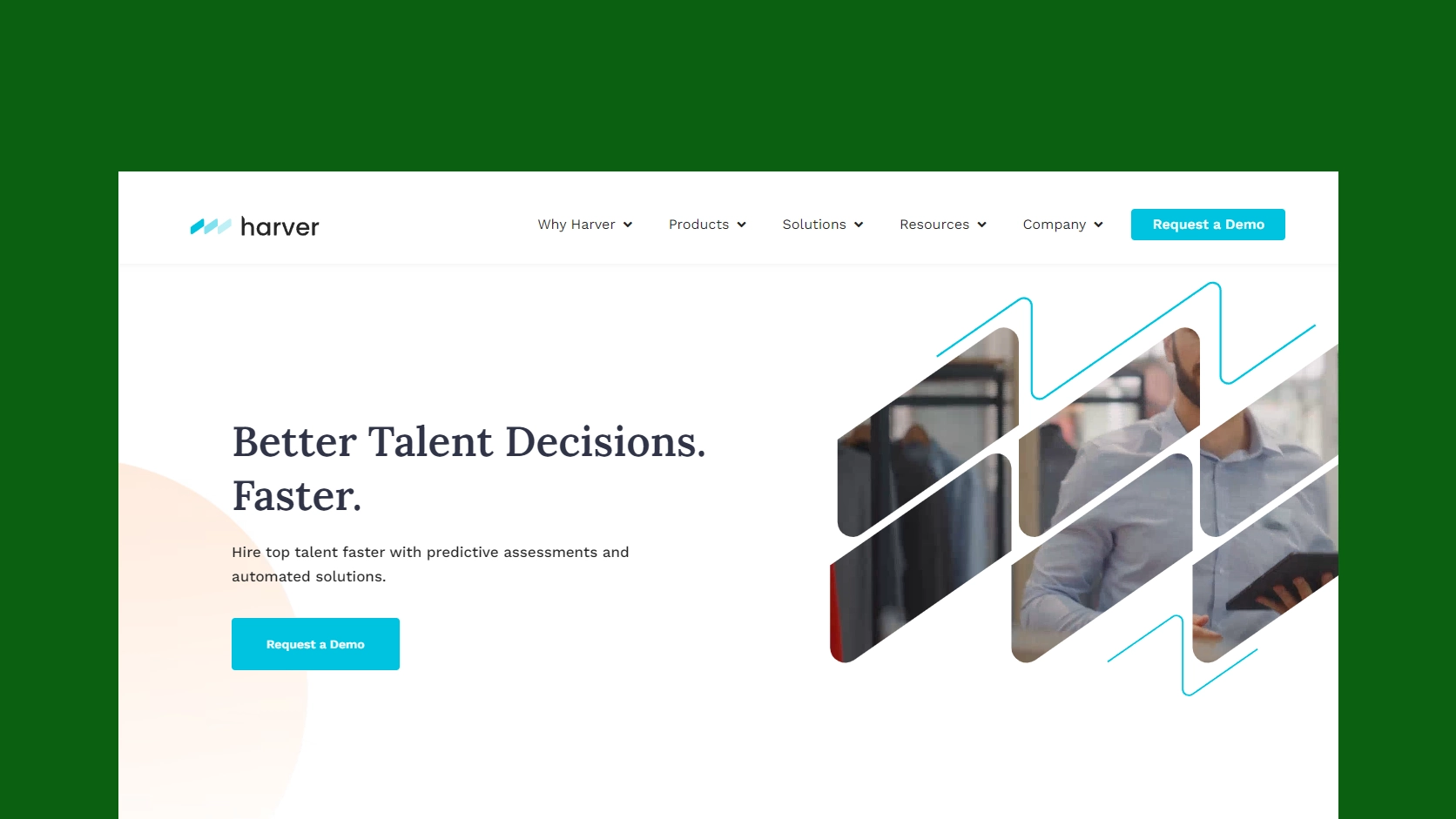
Harver is a talent assessment and hiring automation platform created for organizations managing large applicant volumes.
It evaluates candidate suitability through job simulations and predictive assessments, then automates progression through high-volume recruitment workflows.
This tool is a strong choice for high-volume frontline hiring that requires automated screening and candidate progression.
Key features
Activity dashboard
AI candidate scoring
Applicant tracking
Aptitude testing
Multi-channel communication
Personality testing
Searchable score log
Video interviewing
Pricing
Harver provides customized enterprise pricing based on hiring volume, assessment types, locations, integrations, and implementation requirements.
The platform does not publish a standard monthly price and is mainly positioned for organizations with repeated or high-volume hiring needs.
A vendor-led demo is available for organizations that want to review the platform and discuss their hiring requirements before purchasing.
Pros and Cons
Pros | Cons |
|
|
Our Evaluation
We evaluated Harver as a strong fit for high-volume hiring teams that need job simulations, predictive assessments, and automated candidate progression.
10. Willo
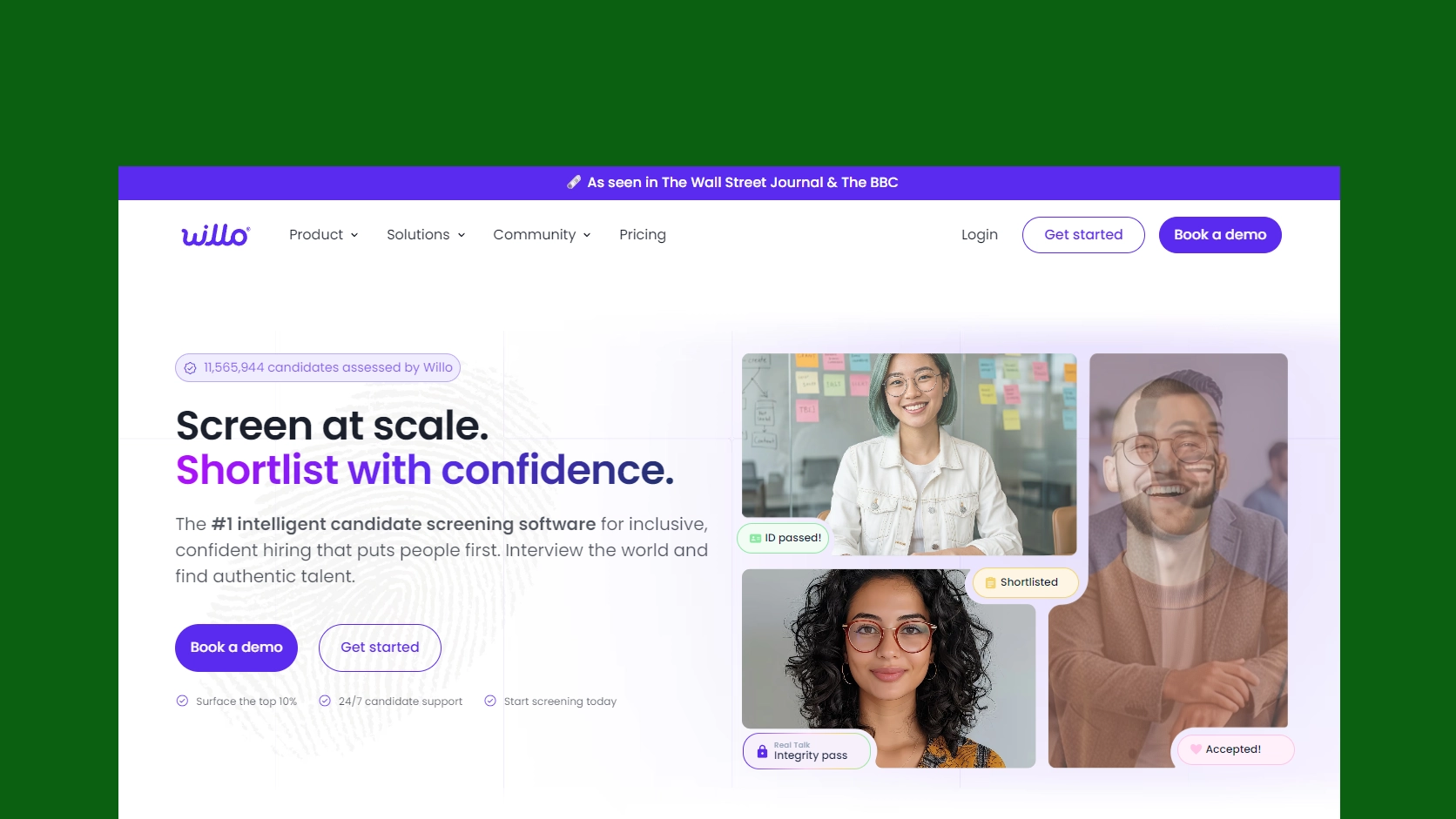
Willo is an asynchronous screening platform that collects structured video, audio, and written responses from applicants.
The platform removes the need to schedule every early screening call, allowing recruiters to review responses when convenient.
Choose Willo when you want to replace repetitive screening calls with a simple, candidate-friendly interview process.
Key features
Interview management
Resume database and research
Background screening
Billing & invoicing
Calendar management
Compliance management
Individualized assessments
Multi-user collaboration
Pricing
Growth Plan: $279/month, or $209/month when billed annually, with 2 assessments, up to 4 users, access to the assessment library
Scale Plan: $409/month, or $307/month when billed annually, with 10 assessments, up to 20 users, access to the assessment library
Enterprise Plan: Custom pricing, with unlimited assessments, unlimited users, advanced integrations, enhanced security, dedicated support, access to the assessment library
Pros and Cons
Pros | Cons |
|
|
Our Evaluation
Our assessment positions Willo as a practical choice for teams that need structured video, audio, and written screening without scheduling early-stage calls.
Different Types of Screening Tools
Candidate screening tools are generally categorized by the type of information they evaluate and the stage of the hiring process they support.
Below are some of the most common types of candidate screening tools used by hiring teams.
Resume screening tools: Help you review resumes against job requirements and highlight relevant candidates.
Skills assessment tools: Test practical ability through coding tests, writing tasks, role-based exercises, or job simulations.
Video interviewing tools: Let candidates record answers so you can review responses without scheduling early calls.
AI screening tools: Match, rank, or score candidates based on role fit, skills, and experience.
Background check tools: Verify identity, employment history, education, criminal records, or licenses.
Reference check tools: Collect feedback from past managers, colleagues, or supervisors.
ATS-based screening tools: Combine application tracking, knockout questions, candidate ranking, and workflow management in one system.
Free vs. Paid Screening Tools: Which is Right for You
Free and paid candidate screening tools differ mainly in usage limits, functionality, support, and scalability.
Comparison Area | Free Screening Tools | Paid Screening Tools |
Best suited for | Occasional or low-volume hiring | Regular and high-volume hiring |
Candidate limits | Usually restricted | Higher or expandable limits |
Assessment library | Basic or limited tests | Broader role-specific assessments |
Recruiter access | Few user accounts | Multiple users and teams |
Reporting | Basic scores and results | Detailed analytics and benchmarks |
Customization | Limited branding and workflows | Custom tests, branding, and workflows |
Integrations | Few or no integrations | ATS, HRIS, and recruitment integrations |
Automation | Mostly manual processes | Automated scoring and progression |
Customer support | Self-service resources | Priority or dedicated support |
Scalability | Limited as hiring grows | Designed for expanding hiring needs |
See Where Candidates Stall in Your Screening Process
Track how applicants move through each screening stage and spot the steps that slow hiring down.
Explore AnalyticsHow to Choose the Best Candidate Screening Tool for Your Team
Choose a candidate screening tool that solves your main hiring challenge, evaluates the right job criteria, integrates with your workflow, and keeps recruiters in control of final decisions.
The right screening tool should fit the way you hire, not just the feature list on the pricing page.
Before choosing one, look at these areas:
Start with your hiring problem: Choose a candidate screening tool based on where your screening process slows down, not only based on features.
Match the tool to the role: Use skills tests for technical roles, video interviews for communication-heavy roles, and background checks for sensitive roles.
Check ATS integration: The tool should connect with your ATS so candidate data, notes, scores, and stages stay organized.
Look for clear scoring: Choose a tool that explains why a candidate receives a score, ranking, or recommendation.
Review bias and compliance controls: The tool should support fair screening with structured criteria, audit trails, and human review.
Consider candidate experience: The screening process should be simple, mobile-friendly, and easy for candidates to complete.
Compare pricing with hiring volume: A low-cost tool may work for small teams, while high-volume hiring may need stronger automation and reporting.
Test before committing: Run a pilot with real roles to see whether the tool improves screening speed and candidate quality.
Ask about support: Good customer support matters when interviews, assessments, integrations, or candidate communication issues appear.
Keep humans in the final decision: Screening tools should support your hiring decisions, not replace recruiter or hiring manager judgment.
Screening, Tracking, and Reporting in One Plan
AI screening, hiring pipelines, candidate management, and recruitment reports built in. Choose the setup that fits your hiring volume.
Compare PlansConclusion
Do not rush when choosing a candidate screening tool. The right software saves time, improves shortlisting, and helps you compare candidates with more confidence. The wrong one adds extra steps, frustrates candidates, and makes your hiring process harder to manage.
Before you commit, test the tool with real roles, review how it scores candidates, check how well it integrates with your workflow, and make sure your team still has control over final hiring decisions.
TestGorilla is a strong fit for broad skills and role-based assessments, while HackerRank works better for technical hiring and coding evaluation. HireVue suits larger organizations that need structured video screening and enterprise-level hiring workflows.
FAQs
Frequently Asked Questions
Yes. TestGorilla offers a free plan, while several other vendors provide trials, demos, or limited free access.